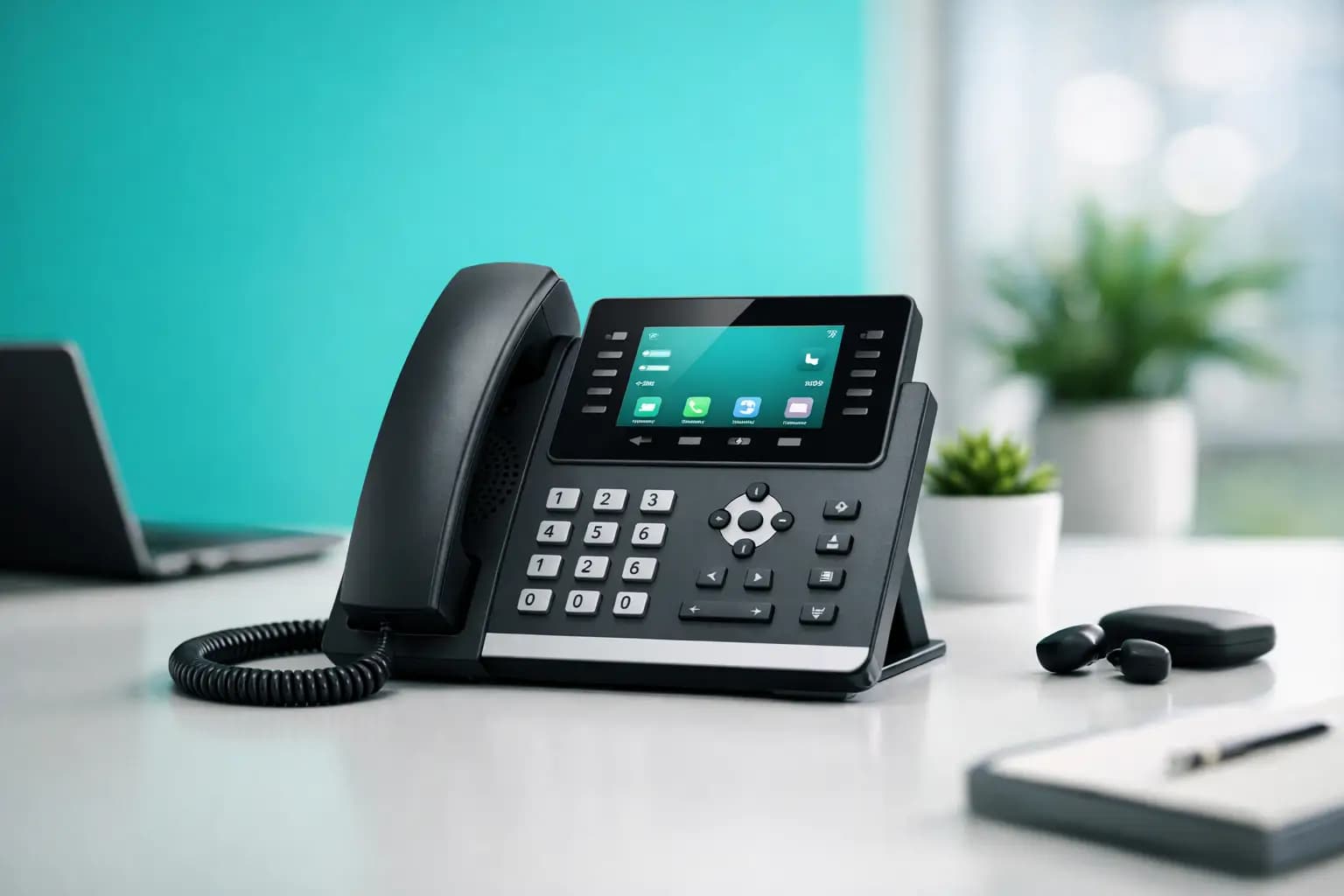
A bad desk phone wastes time in all the boring ways – muffled calls, clunky menus, dropped audio, power supply faff, and staff asking how to transfer a call for the tenth time. If you are looking for a voip phone, buy yealink is a sensible place to start, because Yealink has earned a reputation for making kit that is easy to live with, not just easy to sell.
That matters whether you are fitting out a home office, replacing an ageing PBX in a small business, or rolling out handsets across multiple sites. The trick is not just buying a Yealink phone. It is buying the right one for how you actually work.
Why a VoIP phone from Yealink gets shortlisted so often
Yealink sits in that useful middle ground. It is not bargain-basement hardware that turns every call into a lottery, and it is not priced like every receptionist needs a trading floor turret. For most UK buyers, that balance is the point.
The brand is well known for reliable SIP phones, straightforward provisioning, decent audio quality and broad compatibility with hosted telephony platforms. In plain English, that means there is a good chance the handset will work properly with your phone system, and your IT team will not spend all week wrestling it into life.
There is also a practical reason buyers keep coming back. Yealink has a wide range. You can put a simple handset on a reception desk, a smarter model in a sales team, a video-capable unit in an executive office, and still keep the same general interface and management approach. That consistency saves time.
VoIP phone: buy Yealink for the right use case
Here is where people get caught out. They search for a VoIP phone, buy Yealink, and pick the first popular model they see. Then they realise it has too many features, not enough line keys, no Wi-Fi, or the wrong power option.
A better approach is to match the phone to the role.
If you just need dependable calling for a home office or light-use desk, an entry-level Yealink handset is usually enough. You want clear HD audio, a simple display, headset support and easy transfer or hold functions. There is no point paying for a touchscreen if the phone mostly handles a handful of daily calls.
For SMEs, the sweet spot is usually in the mid-range. This is where Yealink becomes more compelling. You get better displays, more programmable keys, improved speakerphone performance and more flexible connectivity. If staff regularly transfer calls, monitor extensions, use headsets or manage shared lines, going too cheap becomes false economy very quickly.
For receptionists, call-heavy teams and managers, look for models with extra line keys, BLF support and expansion options if needed. Busy users need visibility. If they cannot see who is available, park calls easily or handle multiple lines without menu-diving, the handset becomes the bottleneck.
Then there are wireless and hybrid setups. If cabling is awkward or the desk layout changes often, Yealink’s cordless DECT options may make more sense than a fixed desk phone. Not every user needs the classic office handset format any more.
What actually matters when choosing a Yealink phone
Ignore the marketing fluff for a minute. Most buying decisions come down to six things: call quality, ease of use, power and connectivity, headset support, provisioning, and long-term compatibility.
Call quality is the obvious one. Yealink generally performs well here, particularly on HD voice and speakerphone clarity. That said, your broadband quality, router setup and hosted voice platform matter too. Even a very good phone cannot compensate for poor network conditions.
Ease of use is underrated until you have ten staff asking for help. A slightly larger screen, clearer button layout and intuitive menus can make a real difference. If your team is not deeply technical, buy the phone they will understand in five minutes, not the one that looks impressive in a brochure.
Power and connectivity are another common stumbling block. Many Yealink desk phones support PoE, which is tidy and efficient if your switch infrastructure supports it. If it does not, check whether the power adaptor is included or sold separately. Plenty of buyers assume it comes in the box, then discover they need another order before the phones can even boot.
Headset support matters more than many people expect, especially for remote workers, sales teams and anyone on long calls. Check whether the phone supports USB, RJ9 or Bluetooth, depending on the model and your preferred headset estate. A mismatch here is annoying and avoidable.
Provisioning is where Yealink often makes life easier for IT teams and service providers. Auto-provisioning support means handsets can be deployed at scale without manual setup on every desk. If you are buying more than a couple of phones, that alone can justify choosing a better-supported model.
Compatibility is the long game. Most Yealink SIP phones play nicely with mainstream hosted VoIP systems, but not every platform supports every feature equally. Basic calling will usually work. Extras such as busy lamp fields, directory integration, call recording controls or advanced provisioning may depend on your provider.
Popular Yealink ranges and who they suit
The T3 series is generally the entry point. It suits straightforward business telephony where reliability matters more than fancy features. Think home offices, small teams and general desk use.
The T4 and T5 ranges move into more capable territory. You get larger screens, more feature keys and a more polished user experience. These are often the better fit for growing businesses, front-of-house teams and users who live on the phone.
If you need mobility around a property, warehouse, care setting or larger office, Yealink DECT handsets are worth a look. They give you the flexibility of cordless calling without relying on staff using personal mobiles for business calls.
For meeting spaces, Yealink also offers conference and collaboration kit. That is a different buying decision from a standard desk phone, but it is one reason businesses like keeping one manufacturer across the estate.
The hidden costs people forget
The handset price is only part of the spend. You also need to think about the telephony service, installation time, accessories and the network behind it.
A cheap phone tied to a poor hosted service is still a poor calling experience. Likewise, a premium handset connected over weak Wi-Fi, congested broadband or badly configured QoS can sound dreadful. If your calls matter to sales, support or client service, the wider setup matters just as much as the plastic on the desk.
There are also accessory costs. Power adaptors, expansion modules, DECT base stations and compatible headsets can change the total quite a bit. This is why a headline bargain is not always a bargain.
Then there is support. If something breaks, who actually helps? The supplier? Your hosted provider? Your IT partner? Big telecom firms love a blame relay. Smaller, accountable providers tend to be far better when you need answers quickly.
Should home users buy Yealink too?
Sometimes, yes. If you work from home full time, take client calls, or want a proper digital home phone setup without relying on a mobile, a Yealink handset can make sense. It gives you a dedicated calling device, better ergonomics and often better audio than juggling apps all day.
But there is a trade-off. If you only make occasional calls and already use Teams, Zoom or a softphone app happily, a desk phone may be unnecessary. Not everyone needs hardware. Some people just need a good headset and a dependable connection.
That is the bigger point: buy around behaviour, not habit. Plenty of offices still order desk phones because that is what offices have always done. That is not strategy. That is nostalgia with a budget line.
Before you buy Yealink, ask these boring but essential questions
Does the phone work with your current or planned VoIP service? Do you need PoE? Will users want wired or wireless headsets? How many line keys are enough in real life? Will the phone sit on a reception desk, a sales pod or a spare bedroom? And who is provisioning it?
These questions are not glamorous, but they stop expensive mistakes. The best handset on paper is still the wrong handset if it does not fit the role.
If you are rolling out multiple devices, it is also worth thinking ahead. Standardising on one or two Yealink models often makes more sense than giving every department a different phone. Training gets easier, support gets easier, and replacements are less of a mess.
Where Yealink fits in a wider telecom setup
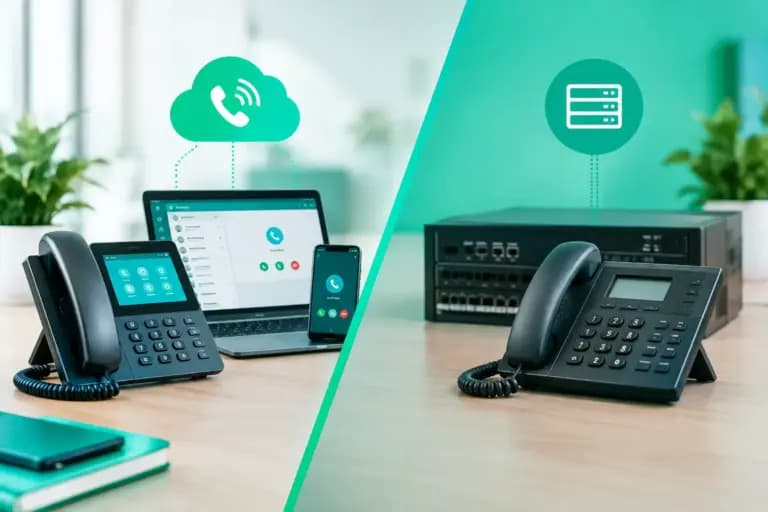
A desk phone is only one part of the picture. Good VoIP depends on stable connectivity, sensible network design and a provider that does not vanish when something goes sideways. That is especially true for SMEs, landlords managing multiple units, and businesses with more than one site.
This is where buying from a provider that understands both connectivity and voice can save headaches. Giant, for example, operates across broadband and VoIP rather than treating them like unrelated purchases, which is usually better for setup, fault-finding and keeping accountability in one place.
If your business is moving from legacy lines, the phone itself is the easy bit. The real job is making sure numbering, provisioning, call flows and internet performance all line up properly.
So, is Yealink a good buy?
Usually, yes. Yealink is a strong choice if you want a VoIP phone that is dependable, widely supported and available across different price points. It suits everyone from single remote workers to growing businesses with more demanding call handling needs.
Just do not buy it on brand name alone. Match the model to the user, check compatibility with your telephony platform, and make sure the network underneath is good enough to carry calls properly. Get those bits right, and a Yealink phone tends to do exactly what a business phone should do – stay out of the way and let people get on with work.