The keys are in your hand, the boxes are everywhere, and your mobile phone is clinging to one bar of 4G by the kitchen window. A good tenant broadband setup should not become another moving-day headache. The trick is knowing what belongs to the property, what needs permission and what you can sort yourself.
Broadband in a rented flat or house is usually straightforward. Usually. The problems start when someone assumes the address has full fibre, signs a contract before checking, or discovers an installation needs work outside the building. A few checks upfront can save weeks of hotspot misery.
Tenant broadband setup: start with the address
Do not choose a package based on what a provider advertises for your postcode. Check the full address, including the flat number. One building can have several connection types: a ground-floor flat may be ready for full fibre while the top floor is still on an older copper line.
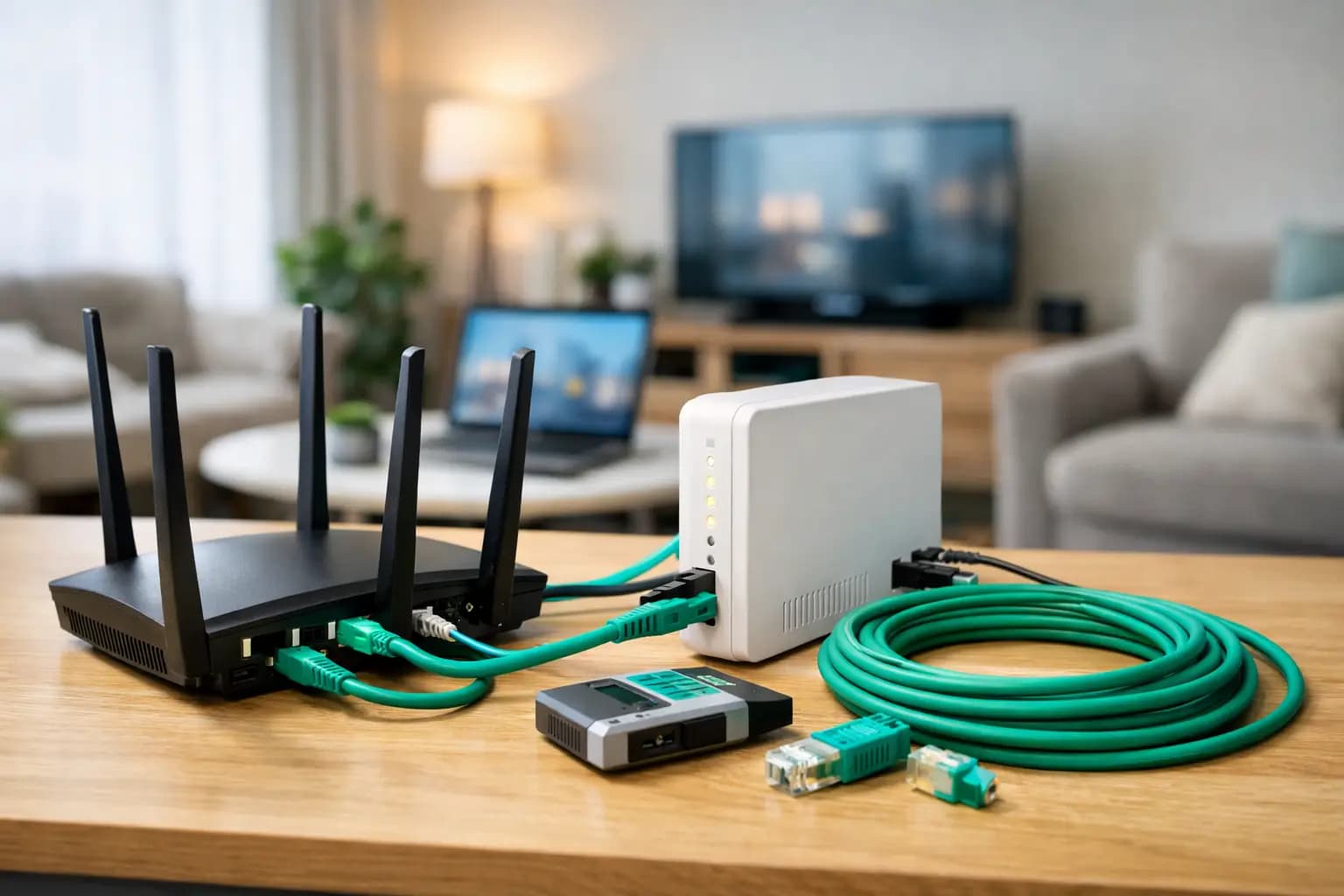
The availability result should tell you whether the property has an active connection, whether it has an optical network terminal (ONT) already fitted, and whether an engineer visit is required. The ONT is the small box that brings full fibre into the home. If it is there, activation can be much quicker. If it is not, an engineer may need access to install it.
Also ask the outgoing tenant or letting agent which provider they used. This is useful intelligence, not a command to stay with that provider. Their service may reveal that the line is live, but you are still free to compare speeds, contract terms and support.
Check who pays before you order
Your tenancy agreement is the first place to look. Broadband may be included in the rent, particularly in student accommodation, house shares and some build-to-rent developments. If it is included, find out the package speed, whether there is a usage policy and who is responsible if the service fails. “Wi-Fi included” can mean anything from a decent building-wide connection to one tired router struggling through three plasterboard walls.
If broadband is not included, the account will normally be in your name and you will pay the monthly bill. That gives you more control over the provider and package. It also means you should choose a contract that fits your expected move-out date.
A 24-month deal can be good value if you are settled. If your tenancy ends in 12 months and you may move, a shorter contract or rolling option could cost more each month but save an early exit fee later. There is no universally right answer. It depends on the price difference, how likely you are to move and whether the provider can transfer your service to a new address.
Be equally clear on the total monthly price. A low introductory rate is not much of a bargain if it leaps after a few months or rises annually through an inflation-linked clause buried in the terms. Renters have enough surprises already.
When you need your landlord’s permission
You do not normally need permission to take out broadband or plug in a router. You may need it when installation changes the property.
An engineer may need to attach a cable to an outside wall, drill a small hole to bring fibre indoors, fit an external junction box or access communal areas. That is where the landlord, freeholder or building manager can become involved. For a flat, the freeholder’s rules often matter more than the landlord’s personal preference, especially where shared corridors, risers or exterior walls are concerned.
Get approval in writing before installation where physical work is likely. Keep it practical: explain what the engineer may need to do, ask if there is a preferred cable route and offer to share the provider’s installation details. Letting agents deal with these requests all the time. A short email is better than a last-minute standoff when the engineer is at the door.
If the property is part of a managed block, ask whether the building already has a preferred or pre-installed network. This does not always mean you have only one provider to choose from, but it can explain why some suppliers cannot serve the address yet.
Pick a speed for how you actually live
Do not pay for a headline speed you will never use. Equally, do not choose the cheapest line and then wonder why four people streaming, gaming and taking video calls at once feels painful.
| Household use | A sensible starting point | | — | — | | One or two light users browsing, streaming and working occasionally | 50-100 Mbps | | A couple or small family with regular video calls and 4K streaming | 100-300 Mbps | | Busy shared house, gamers and multiple home workers | 300-500 Mbps | | Heavy creators, large uploads, serious gaming and power-user households | 900 Mbps or more |
Download speed gets most of the attention, but upload matters too. If you send large files, back up photos to the cloud, host video calls or create content, look for strong upload performance. Full fibre can offer symmetric speeds in some areas, meaning upload is as quick as download. That is a meaningful upgrade over older connections that race one way and crawl the other.
For gamers, latency and connection stability matter alongside Mbps. A wired Ethernet connection from router to console or PC is usually better than relying on Wi-Fi from the other side of a thick-walled flat. Faster broadband cannot fix a poor wireless set-up on its own.
Plan the installation, not just the order
If an engineer visit is booked, make sure an adult who can approve the work is there for the appointment window. If you need landlord consent, get it before the date. Rearranging an installation because nobody can authorise a cable route is an avoidable delay.
Think about where the router will sit. It needs a practical location near the incoming line or ONT, but it should not be hidden inside a cupboard, wedged behind the television or placed on the floor beside a microwave. Central and open is generally best. In a long house or a large flat, one router may not cover every room well. That is a Wi-Fi coverage problem, not necessarily a broadband speed problem.
If you use smart TVs, consoles, work laptops, security cameras or smart speakers, keep the new Wi-Fi name and password handy. Changing them all takes a little time, but it is worth doing properly rather than leaving your network open or using an easy-to-guess password.
Switching broadband as a tenant
If the previous tenant’s service is still active, do not cancel it yourself. It is their account, not yours. Place an order in your own name and let the new provider confirm the activation route.
If you are switching a service that is already in your own name, the process can be simpler than it used to be. In many cases, the new provider manages the switch. Still, check whether you are tied into a minimum term, whether equipment must be returned and whether your new service needs an engineer appointment. Assuming every switch is automatic is how people end up with a gap in service.
Keep a copy of your order confirmation, contract length and return instructions for any router. When you move out, give the provider notice using the date your tenancy ends, not the day you remember while carrying a sofa downstairs.
Common tenant broadband problems, solved
“The provider says full fibre is available, but my flat cannot order it.” This may be an address-record issue, a missing flat number or a building access restriction. Ask the provider to investigate the exact property rather than accepting a generic postcode result.
“My landlord says no drilling.” Ask whether an existing entry point, internal cabling route or alternative network is available. Do not allow unapproved external work. A quick conversation now is easier than a deposit dispute later.
“The broadband is fast near the router but awful in the bedroom.” Test the connection with a wired device first. If the wired speed is good, consider moving the router, using a mesh Wi-Fi system or connecting fixed devices by Ethernet.
“My housemates want one connection.” Put one person in charge of the account, agree how the bill will be split and make sure everyone understands what happens when that person moves out. Shared broadband is simple until the named account holder disappears with the login.
A tenant broadband setup is not about becoming a telecoms expert. It is about asking the right questions before you sign: can this exact property get the service, does installation need consent, what will it really cost and will it suit the way you live? Get those answers early, and you can spend moving week watching telly, working or gaming – not waiting on hold.