Your old landline was built for a copper network that has now had its day. A home VoIP phone uses your broadband connection instead, giving you a proper household number and familiar handset without relying on ageing phone sockets. The good news? To set up home VoIP phone service, you do not need to become your family’s unpaid IT department.
With the right equipment and a decent broadband connection, most homes can be up and calling in less time than it takes to wait in a traditional provider’s hold queue.
What a home VoIP phone actually does
VoIP means Voice over Internet Protocol. In plain English, your calls travel over the internet rather than the old public telephone network. You still pick up a handset, hear a dial tone and call normal UK landline and mobile numbers. The difference is what happens in the background.
This is not the same as making calls through WhatsApp or another app. A VoIP home phone can be a fixed service with its own phone number, calling plan and emergency address. It is designed to replace a traditional landline, not merely add another calling app to your mobile.
For many households, VoIP is the sensible next move. It suits people who want to keep a familiar number, use a cordless handset around the house, or have a reliable number for relatives, intercoms and alarm systems. It can also work brilliantly for home workers who want a separate number without filling the kitchen table with business kit.
Choose the right way to set up home VoIP phone service
There are two common ways to connect a home phone to VoIP. Which one you need depends on the hardware supplied by your broadband or phone provider.
Use the phone socket on your router
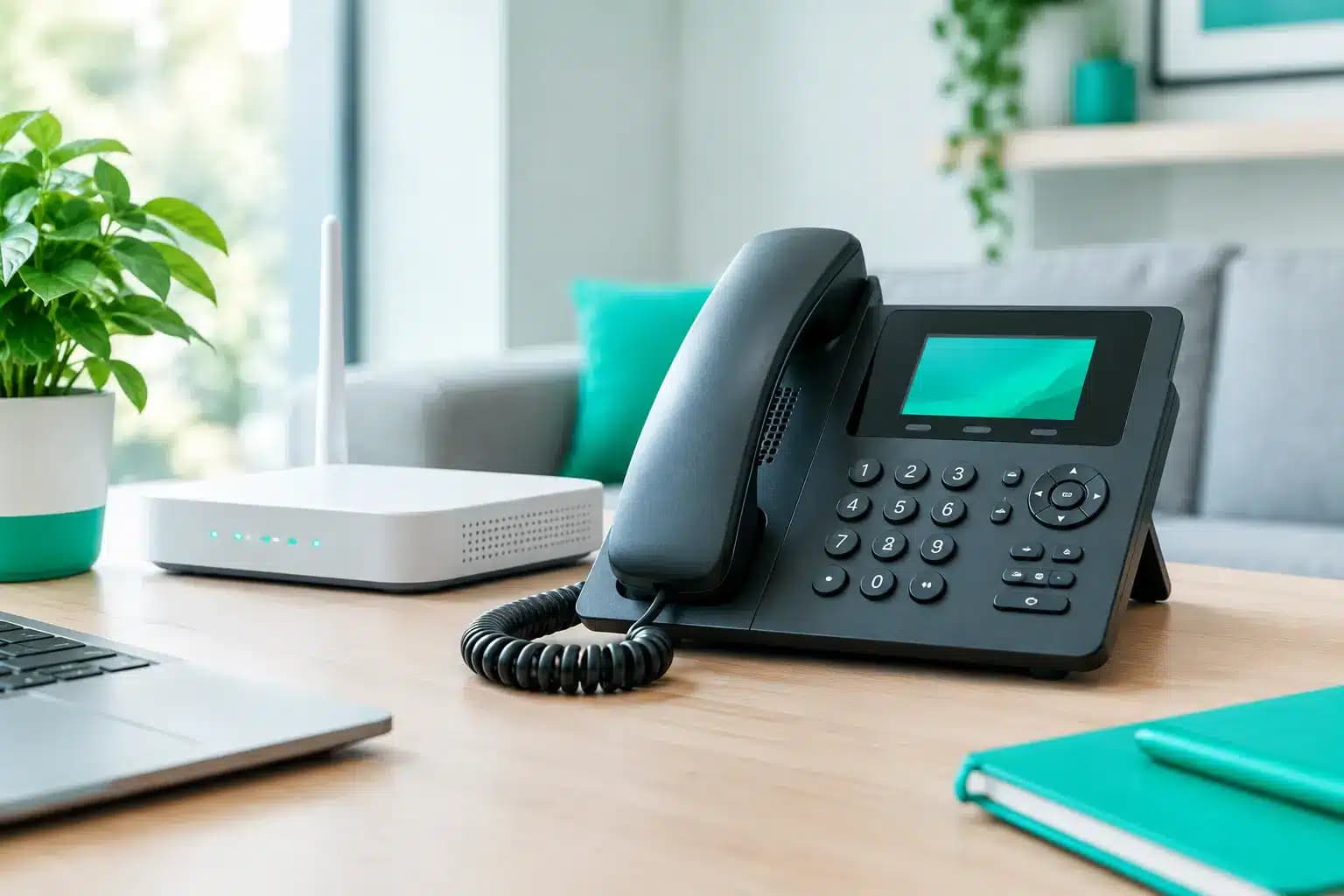
Some broadband routers have a port labelled Phone, TEL or VoIP. Plug your compatible handset base station into that port, then connect the router to your full fibre service as normal. The provider usually configures the service remotely, making this the cleanest option.
This works particularly well with DECT cordless phone systems. One base station connects to the router, while extra handsets can sit in bedrooms, offices or the kitchen. No more hunting for the one phone that has mysteriously ended up behind the sofa.
Use an analogue telephone adapter
If your router has no phone port, you may use an analogue telephone adapter, often called an ATA. This small box connects to your router with an Ethernet cable and provides a standard phone socket for an existing corded or cordless handset.
An ATA is useful if you already own a phone system you like. However, it must be compatible with your provider and correctly configured with your account details. Buying a random adaptor and hoping for the best is one route to a frustrating afternoon.
Use a dedicated IP phone
An IP phone plugs directly into your router or network switch. It is usually more common in small offices, but it can make sense at home if you need features such as multiple lines, call transfers or a headset for work.
For a straightforward household landline, this can be more hardware than you need. A normal cordless handset with a router phone port or ATA is usually the simpler, tidier choice.
What you need before you start
Your broadband needs to be stable, not necessarily absurdly fast. A single VoIP call generally uses around 100 Kbps in each direction, which is tiny compared with modern full fibre speeds. Call quality depends more on consistency, latency and your home network setup than headline download speed.
You will need an active VoIP service, a router connected to broadband, and either a compatible phone or the adaptor supplied or approved by your provider. If you are moving from an old landline, check whether you want to keep your existing number before cancelling anything.
Avoid plugging your old internal extension wiring straight into a VoIP port unless an engineer has confirmed it is safe. Legacy wiring can create faults and, in some cases, be connected to equipment it should no longer be connected to. Keep it simple: connect the handset base directly to the router or ATA unless you have been specifically advised otherwise.
Set up home VoIP phone in six sensible steps
- Check the service is live. Your provider should confirm when the VoIP account is active. If you are keeping a number, ask whether calls will work first on a temporary number while the port completes. That is normal and avoids surprises.
- Place your router sensibly. Keep it in an open, central position where possible. Do not hide it in a cupboard beside a tangle of extension leads and a dusty old printer. Your phone may be wired to the router, but the rest of your home still needs reliable Wi-Fi.
- Connect the handset. Plug the handset base into the router’s phone port or into the ATA’s phone socket. Use the cable supplied with the phone where possible. Then power on the handset base and make sure the cordless handsets are charged.
- Connect the ATA or IP phone to the network. If you are using one, connect it to the router with Ethernet rather than Wi-Fi. Voice services prefer a stable wired connection. Wait a few minutes for it to register with the provider.
- Check for a dial tone and make test calls. Call a mobile, then call the VoIP number from another phone. Check that audio is clear both ways and that caller display shows the right number, if that feature is included.
- Test the features you will actually use. Try voicemail, call waiting and any call blocking settings. If older relatives use the phone, show them the basics before they need it. A service is only convenient if everyone in the house can use it without a manual.
If the phone does not register, restart the router and handset equipment once. Check the Ethernet and phone cables are seated properly. After that, contact your provider rather than resetting everything repeatedly. A UK-based support team that answers the phone is rather more useful here than a chatbot attempting to diagnose a blinking adaptor.
Keeping your existing landline number
You can often move your existing landline number to a VoIP service, but timing matters. Tell your new provider that you want to port the number and provide the details exactly as they appear on the current account.
Do not cancel your old phone service before the number port is complete. Cancelling it can cause the number to be lost or make the transfer far harder to fix. If your landline is bundled with broadband, the provider should explain whether the move affects your broadband service too.
Ports can take time, and there may be a short interruption while the number moves. That is usually preferable to losing a number you have had for years and having to update every friend, family member, GP surgery and delivery account afterwards.
Make call quality and safety part of the setup
Most VoIP problems are home network problems in disguise. If voices break up while someone is gaming, backing up photos or streaming in 4K, check that your router is not overloaded and that its software is up to date. Full fibre with strong upload speeds helps, especially in busy households where several people are online at once.
Where your router supports quality-of-service settings, you may be able to prioritise voice traffic. Do not obsess over it if calls already sound clear. Tinkering for the sake of tinkering is how simple setups become weekend projects.
There is one trade-off worth taking seriously: a VoIP phone needs power. During a power cut, the router and phone equipment stop working unless you have battery backup. Keep a charged mobile phone available for emergencies. If your household relies on the home phone for medical, accessibility or safety reasons, discuss backup options and make sure your emergency address is correct on the VoIP account.
Services for 999 calls need the right location information. Unlike a traditional fixed copper line, your VoIP equipment can technically be moved, so update your registered address if you relocate. It takes moments and could matter enormously.
Is VoIP worth it for your home?
If you barely use a landline, you may decide a mobile is enough. But a home VoIP phone remains a strong choice for households that value a shared number, clear calls, cordless handsets and the reassurance of a fixed contact point. It is also a sensible companion to full fibre, which is built to carry far more than web browsing.
At Giant, the point is not to make your home phone feel clever. It is to make it work properly, with straightforward setup, honest advice and someone local to speak to if it does not. Get the basics right, keep a mobile charged for power cuts, and your new home phone can quietly do its job for years – which is exactly what a phone should do.