The engineer has arrived, the kettle is on, and everyone wants to know one thing: will the Wi-Fi be flying by teatime? A fibre installation is usually straightforward, but it is not just a case of plugging in a new router. The quality of the route into your home, the equipment location and the setup inside all affect the experience you get once the engineer leaves.
Full fibre means the connection runs on fibre optic cable all the way to your property, rather than switching to old copper for the final stretch. That is why it can deliver far higher speeds, better reliability and, on many networks, matching upload and download speeds. Great news for gamers, busy households, home workers and anyone fed up with buffering during the good bit.
What happens before fibre installation
Before an appointment is booked, your provider checks whether full fibre is already available at your address. In some streets, the network has reached every property and the job is simply connecting your home. Elsewhere, an engineer may need to survey the route first, particularly for flats, rural homes, new builds or properties with awkward access.
You will normally be given an installation date and a time window. Make sure someone aged 18 or over can be at home, with access to the rooms where the cable may need to run. If you rent, check your tenancy agreement and speak to your landlord or letting agent if permission could be required for external cabling or drilling. Most landlords are happy to approve work that makes a property more attractive, but assuming is how appointments get delayed.
For flats and managed buildings, the network operator may need wayleave permission from the freeholder or managing agent. This is not red tape for the fun of it. The work can involve shared walls, communal risers, corridors and external spaces. If the building is not already connected, arranging permission can take longer than the installation itself.
Fibre installation: the engineer’s job
The engineer starts by assessing the cleanest practical path from the street network to your property. Depending on the network in your area, the cable may arrive underground through a duct, from an overhead pole, or via an existing external access point. No two homes are quite the same, which is why a promised installation is not always a carbon copy of your neighbour’s.
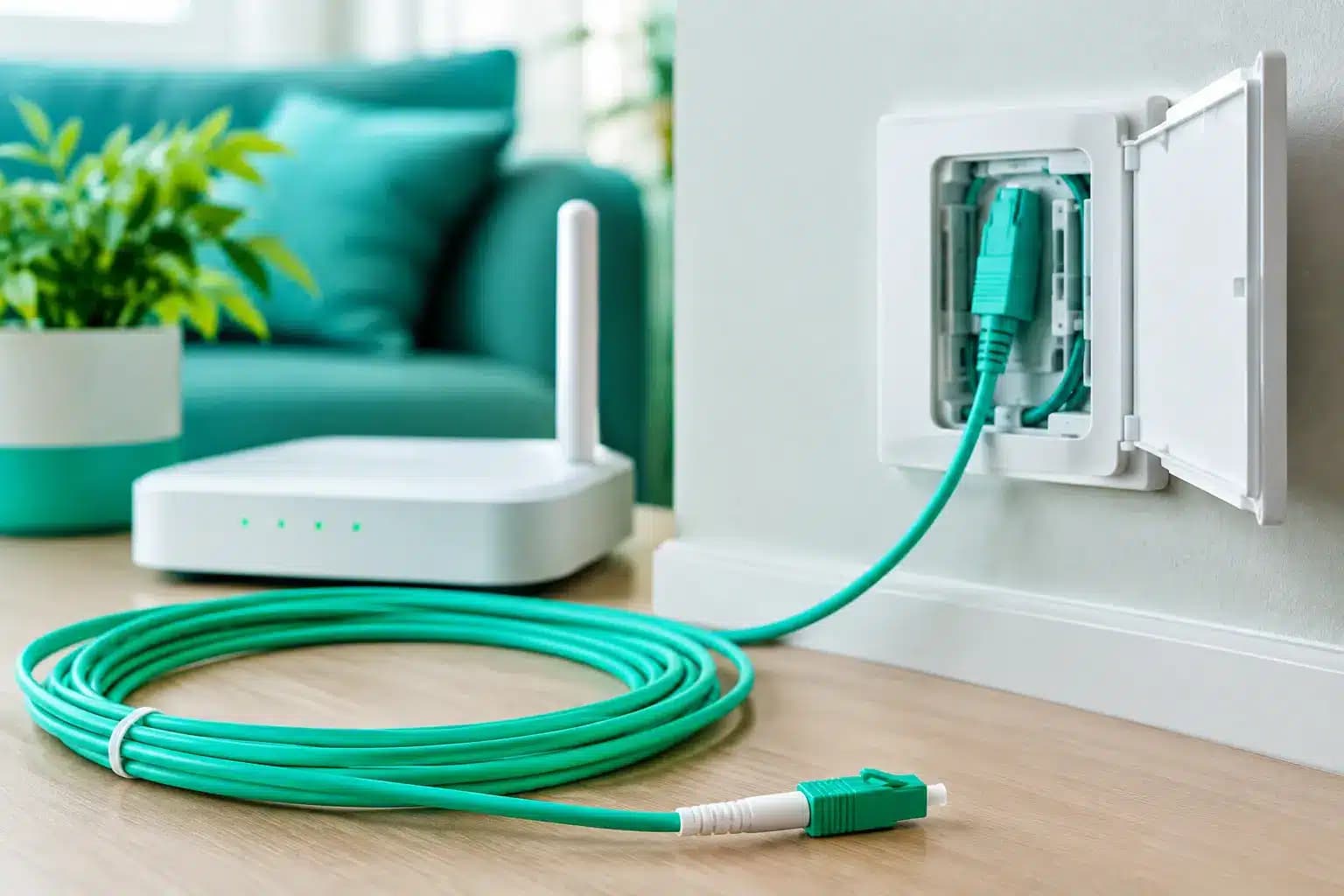
Outside, a small external box may be fitted to the wall. From there, a thin fibre cable is brought indoors to an optical network terminal, usually called an ONT. Think of the ONT as the handover point between the fibre network and your home equipment. It needs mains power and is separate from the router in most full-fibre setups.
The engineer will usually discuss where you want that equipment before drilling anything. This is your moment to be practical, not polite. If the only proposed location is in a cupboard at the far end of the house, say so. A tidy cable route matters, but a well-placed router matters more when the whole family relies on Wi-Fi.
The fibre cable is delicate but surprisingly unobtrusive. It is generally clipped neatly along a wall or routed through an existing entry point where possible. There may be a small amount of drilling, but a competent installation should not turn your hallway into a building site. The engineer then tests the light level on the line, activates the connection and checks that the ONT is communicating with the network.
Where should the router go?
The ONT has to sit near the point where fibre enters the home. Your router, however, does not always have to stay glued beside it. Ask whether a longer Ethernet cable can place the router in a more central, open position. This can make a noticeable difference to wireless coverage.
Avoid placing the router behind a television, inside a cabinet, beside a microwave or on the floor. Thick walls, foil-backed insulation, mirrors and underfloor heating can all weaken Wi-Fi. Old stone houses and larger properties can be especially challenging, even when the fibre line itself is capable of multi-gigabit speeds.
For a larger home, a mesh Wi-Fi system or wired access points may be the sensible answer. That is not a failure of fibre. Fibre gets exceptional capacity to your property; Wi-Fi is the wireless layer inside it. Treating those as the same thing is how people pay for very fast broadband, then judge it from one weak signal bar in the loft bedroom.
Gamers, desktop workers and serious streamers should use Ethernet where possible. A wired connection is more consistent, usually has lower latency and removes household Wi-Fi congestion from the equation. If your setup supports it, connect high-demand devices directly to the router or a network switch.
How long does it take?
A standard appointment often takes two to four hours, though it can be quicker where an external box and internal equipment are already in place. More complicated properties can take longer. Bad weather, blocked ducts, inaccessible poles and unexpected building work can all change the plan.
There can also be a gap between physical installation and service activation. Some networks activate the line while the engineer is there; others complete final checks remotely. Your provider should explain whether your broadband is expected to work immediately and what to do if it does not.
If you are switching from another provider, do not cancel your existing service too early unless you have been told to. A short overlap can be worth it for households that work from home or businesses that cannot afford a dead connection. The UK switching process has improved, but network changes and engineering work still do not always run to the minute.
What can hold up an installation?
Most delays come down to access, permission or infrastructure. A blocked underground duct may need clearance. An overhead route may need extra safety work. A landlord may not have signed permission. In a block of flats, the route through communal areas may not yet be approved.
Inside the home, the main issue is often power. The ONT and router both need sockets, ideally not a trailing extension lead balancing behind furniture. If you want equipment installed in a study, check there is a usable power point nearby before the appointment.
There is also a trade-off between the fastest route and the neatest route. An engineer will aim for both, but there are limits set by safety, cable bend radius, walls, access and the network’s installation rules. Be clear about what you want, listen to the options, and agree the route before work starts.
What to do on installation day
Clear the area around the likely entry point and the room where you want the router. Keep pets out of the work area and move delicate items away from walls where the cable might be clipped. If you live in a gated property or building with a concierge, make sure the engineer can get in without spending half the appointment at the entrance.
Have a quick conversation about how you use the connection. Mention the home office, gaming room, smart TV setup or loft conversion. Engineers cannot redesign your whole home network on the spot, but that context helps them avoid a poor equipment location.
Once the service is live, test it sensibly. Try a wired speed test first, then check Wi-Fi in the rooms that matter. Run a video call, stream something in 4K, and see how your usual devices behave while the household is active. A speed test taken on an older mobile phone at the far edge of the house is not a verdict on the fibre line.
Getting the most from full fibre afterwards
Your first task is changing the router’s default admin password and setting a strong Wi-Fi password. Then update the router firmware if required and reconnect your devices properly. Older Wi-Fi kit may not support the higher speeds your new line can deliver, so do not expect a five-year-old budget laptop to show the same result as a newer wired device.
If you have digital home phone equipment, ask how it will work during a power cut. Full fibre equipment needs electricity, unlike some older copper phone services. People who rely on a landline for medical, care or emergency reasons should tell their provider so the right support and options can be discussed.
Giant uses multiple UK full-fibre networks, so the exact installation process and available speeds depend on your address. That is normal. What should not vary is clear pricing, a plain-English explanation of the work and a real person to speak to when something needs sorting.
A good fibre connection starts with a good install, but it earns its keep in the weeks after: quicker uploads, cleaner calls, no family argument over who ruined the stream, and enough headroom for whatever gets connected next. Give the engineer a sensible route, give the router room to breathe, and let the old broadband excuses retire gracefully.